
By default, the My Account portal on RChilli displays demo/sample resumes, not your uploaded data. To search for your own resumes, follow these steps to switch the environment to use your API key:
- Go to the MyAccount client panel.
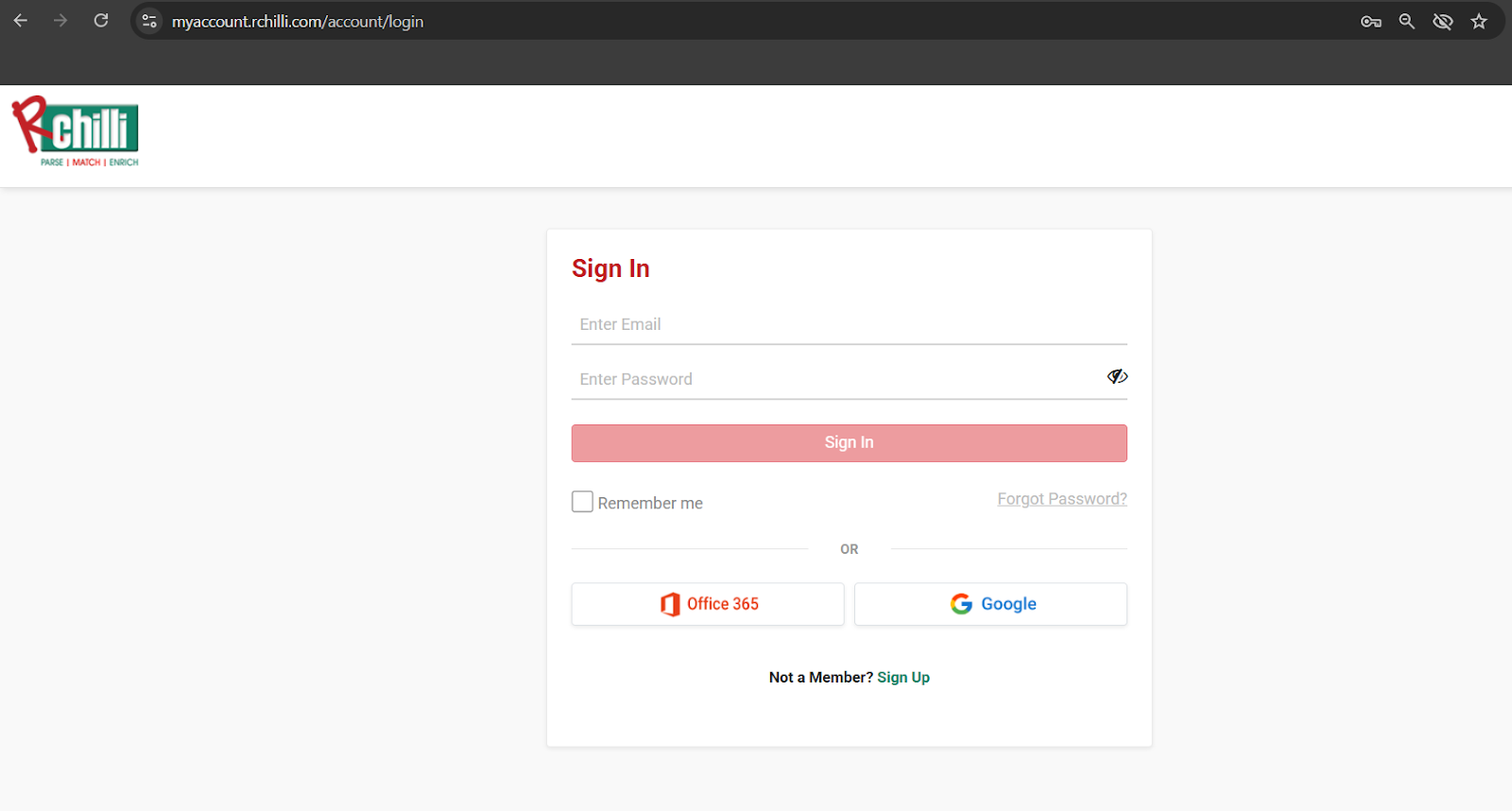
- Log in to your account.
- Click on the Integration tab.
- Then, click on Search and Match and select Resume Search.
- Finally, click on Use Your Key.


This will ensure that your search results will display your uploaded resumes.
For production or testing, you should always call the API directly with your own credentials to access your indexed documents.
For further details on how to use the Resume Search functionality, refer to the Resume Search.
Comments
0 comments
Please sign in to leave a comment.